
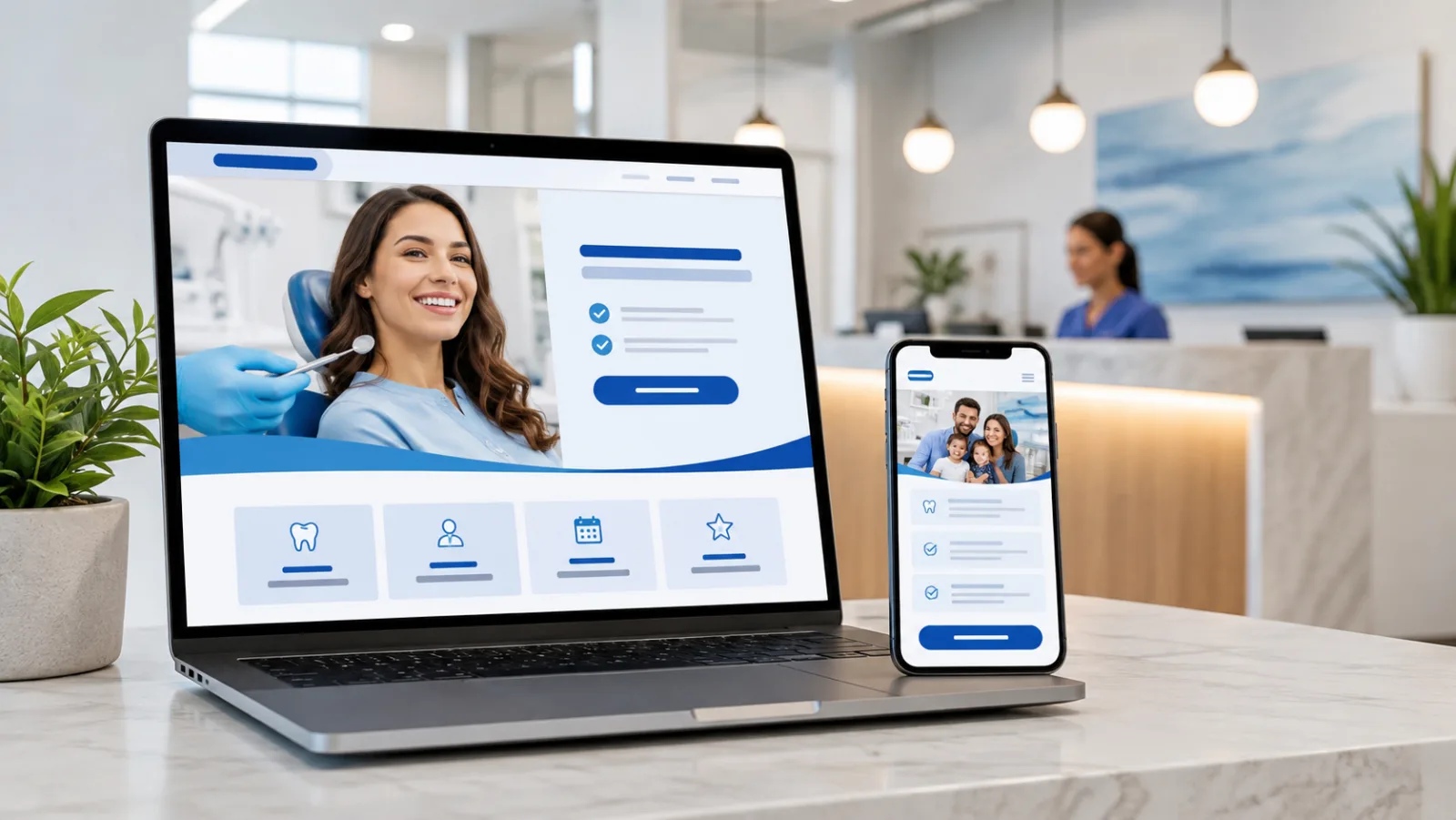
Increasing dental website appointment requests does not always require a new website. A few focused changes can remove the uncertainty and extra work that cause prospective patients to stop.
The right change depends on where people leave, so begin with analytics, form results, call outcomes, and real mobile testing. Improving dental website appointment requests starts with identifying the step where qualified visitors stop. Then work through the following opportunities.
1. Put one primary action in the first screen
A visitor should be able to identify the next step without scrolling. Use one primary action, such as “Request an Appointment,” and a visible phone option for people who need help now.
Avoid giving equal emphasis to several competing buttons. When every action is presented as the most important action, the patient has to decide what the practice should have decided for them.
2. Make the phone number useful on mobile
Display the phone number as text, not only as an icon, and make it tap-to-call. Keep it visible on service and location pages, not only in the footer.
Test what happens after the tap. Confirm that the number routes correctly, call tracking does not break, and voicemail gives a clear expectation for follow-up.
3. Shorten the first form
The first form should begin a conversation. It does not need to replace the patient intake process.
Ask only for the information the team needs to respond, such as name, contact preference, basic reason for the visit, and requested time. Move detailed clinical and insurance information into the appropriate secure process after contact has been established.
Track both form starts and successful submissions. A large gap between them can reveal friction that a simple submission count hides.
4. Explain what happens next
Uncertainty continues after a visitor presses submit. Add a short expectation near the form or scheduling tool:
- When the office normally responds
- Whether the requested time is confirmed or pending
- What to do for urgent needs
- What information the team will ask for next
A confirmation page should repeat the expectation and provide a phone option if the request is time-sensitive.
5. Answer insurance and financing questions earlier
Cost uncertainty can stop a visitor before the form. Link to useful insurance and financing information from service pages and the appointment path.
You do not need to promise an exact treatment price. Explain how benefits are verified, which payment options are available, and how the practice helps patients understand estimates.
6. Replace generic proof with specific proof
Use trust elements that answer a patient’s real concern. Place provider experience, relevant patient feedback, technology, and real office photos near the service they support.
A testimonial about emergency care is more useful on an emergency page than a rotating collection of unrelated reviews. A short dentist biography beside an implant consultation offer can reduce uncertainty better than a generic “meet our team” link.
7. Remove mobile interruptions
Check the entire path on a real phone. Look for popups that cover the appointment button, menus that hide contact information, slow third-party tools, fields that are difficult to complete, and page elements that shift while loading.
Google describes Core Web Vitals as real-world measures of loading performance, responsiveness, and visual stability. These measures are useful for both search and patient experience. Review Google’s current Core Web Vitals guidance before relying on an old checklist.
Improve dental website appointment requests with evidence
Do not apply all seven changes and hope for improvement. Find the stage with the largest loss, make one meaningful update, and compare the same outcome before and after the change.
Useful outcomes include completed forms, connected calls, scheduled appointments, and arrived new patients. A higher click count is useful only when it leads to progress in the patient journey.
If you want help finding the first change most likely to increase dental website appointment requests, request a patient conversion review. WatermelonSeed Marketing will review the contact path and identify three practical opportunities based on your current site.